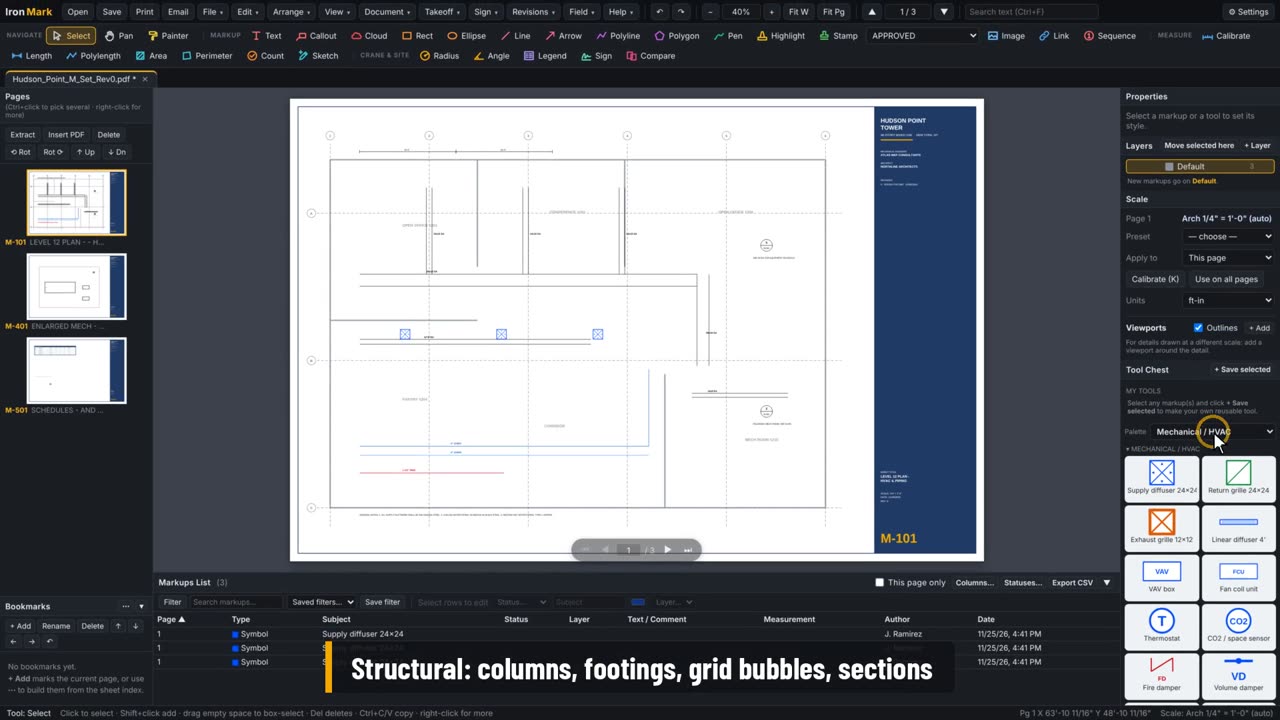
RivetMark is the construction PDF tool that does the job Bluebeam does — markups, stamps, takeoffs to Excel, revision compare and submittal paperwork — for a one-time $99. No subscription. No seat fees every year.
Everything a PM, estimator or field engineer does with a drawing set, with the busywork taken out.
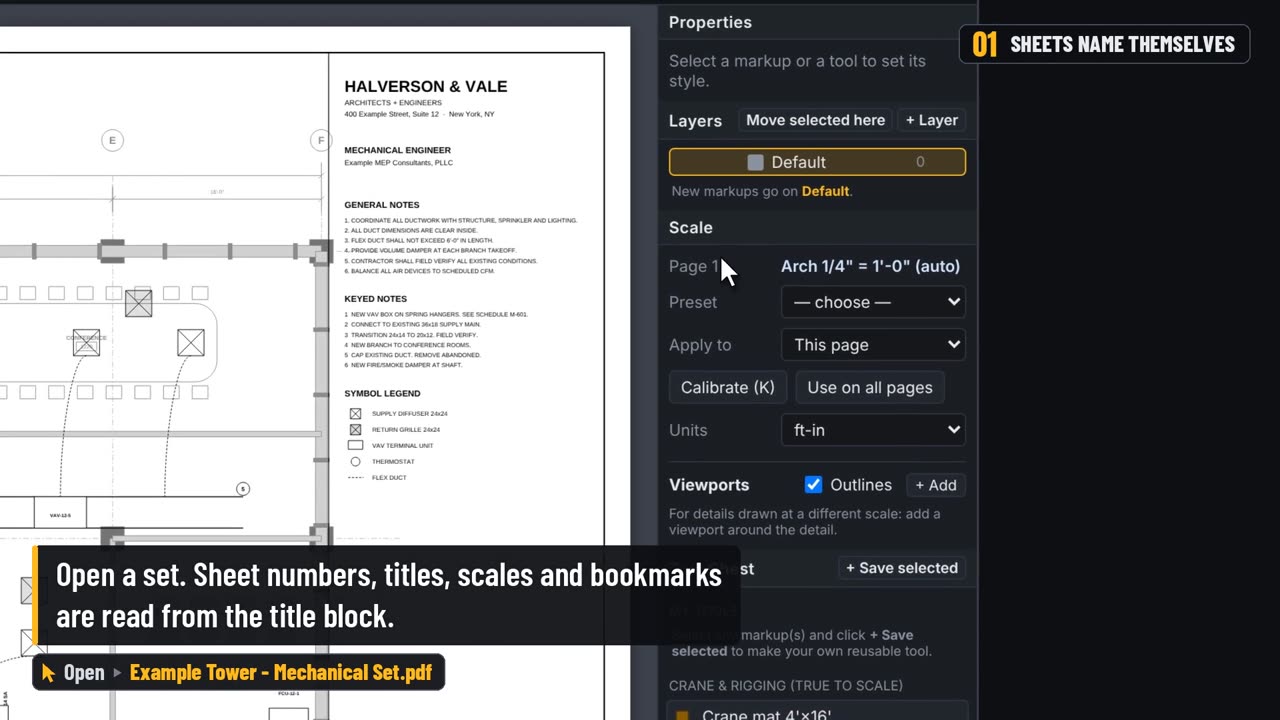
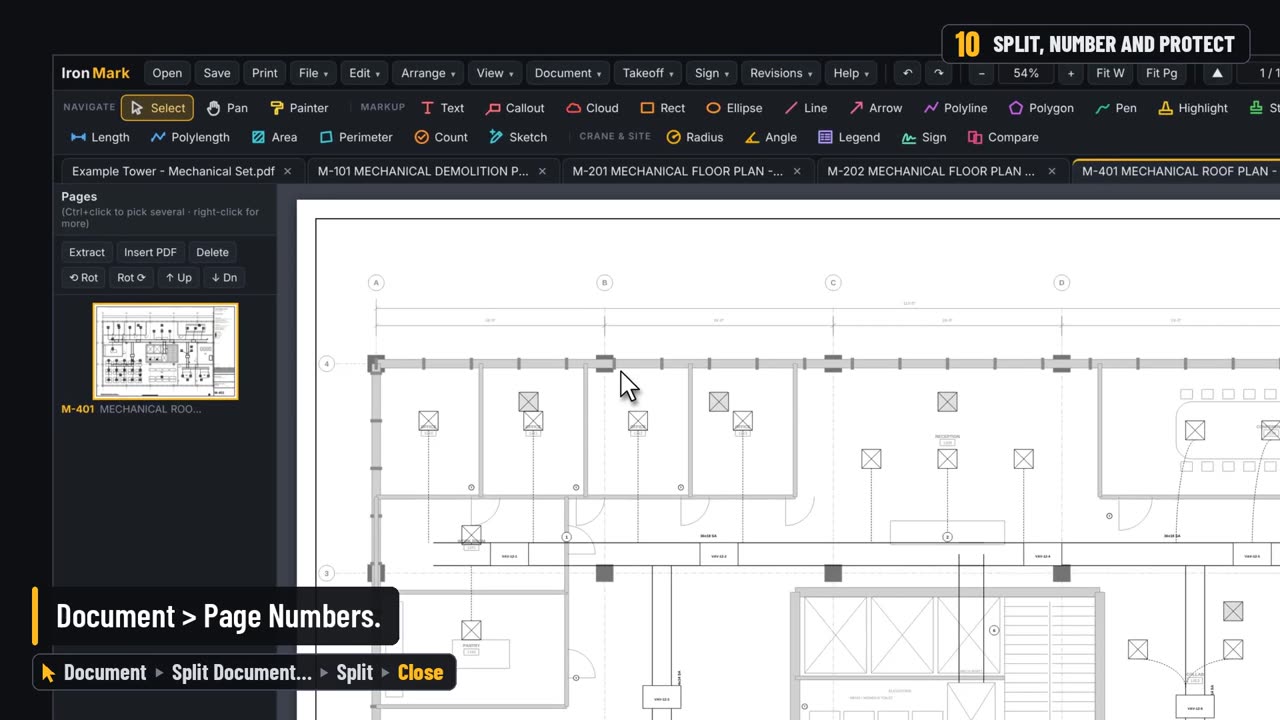
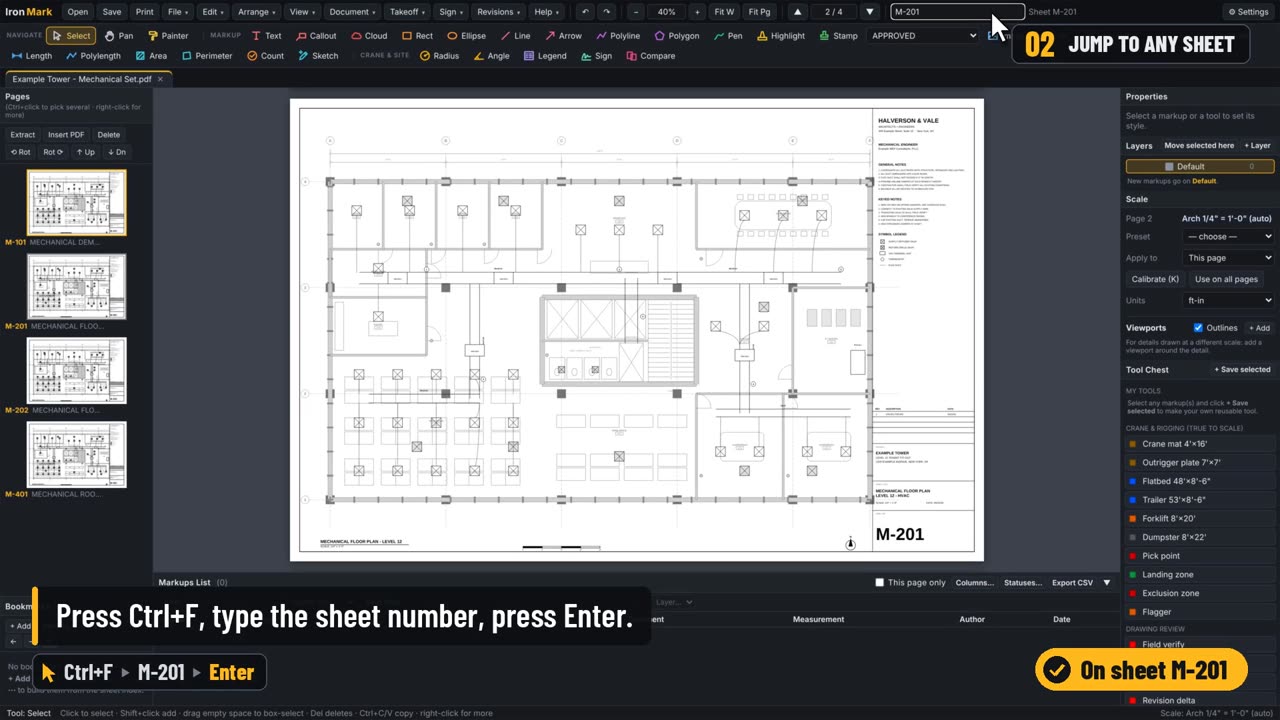
Open a set and RivetMark reads every title block: sheet numbers, titles, scales and bookmarks, without typing.
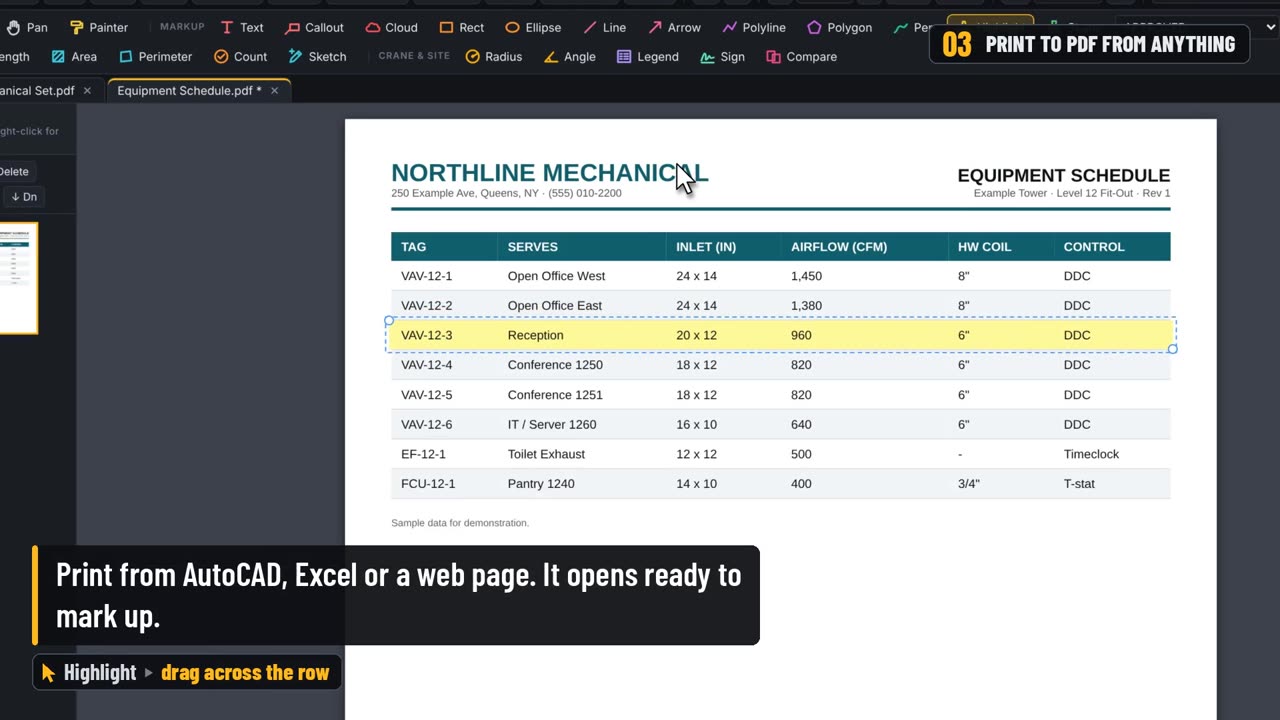
Print from AutoCAD, Excel or a web page to the RivetMark PDF printer and it opens ready to mark up.
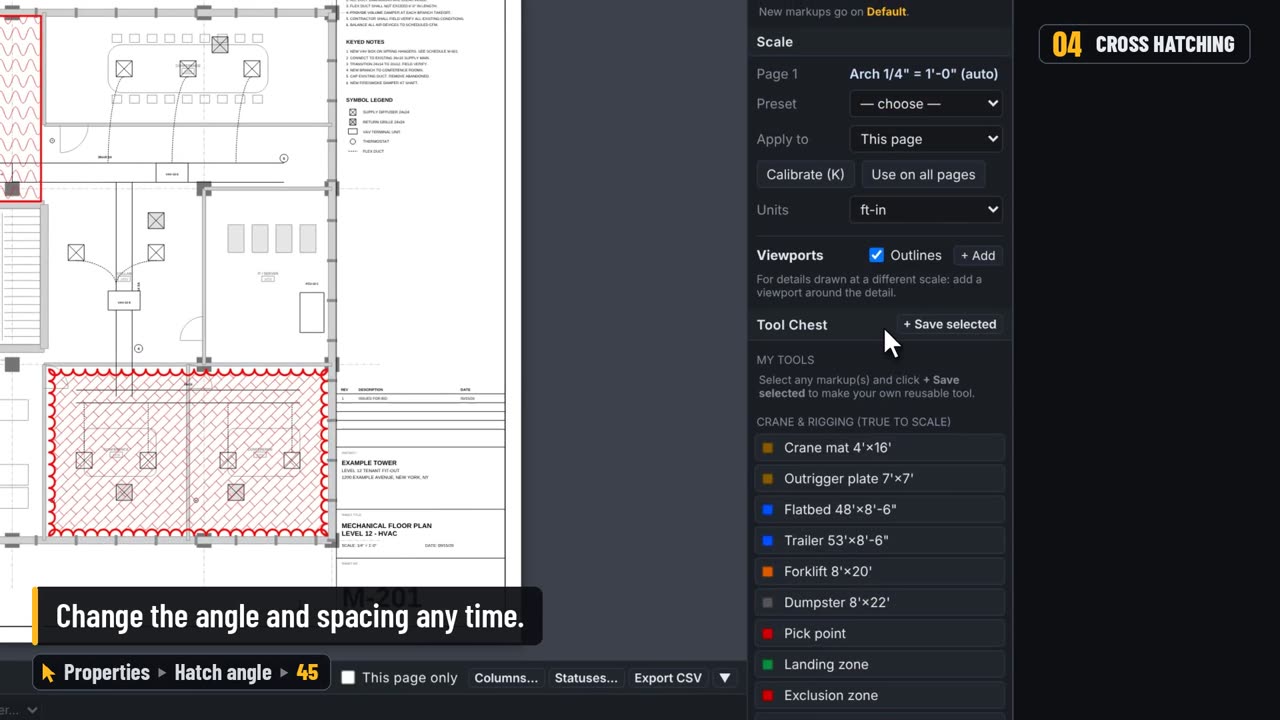
Concrete, insulation, brick, earth and line hatches on any closed shape, at any angle and color.
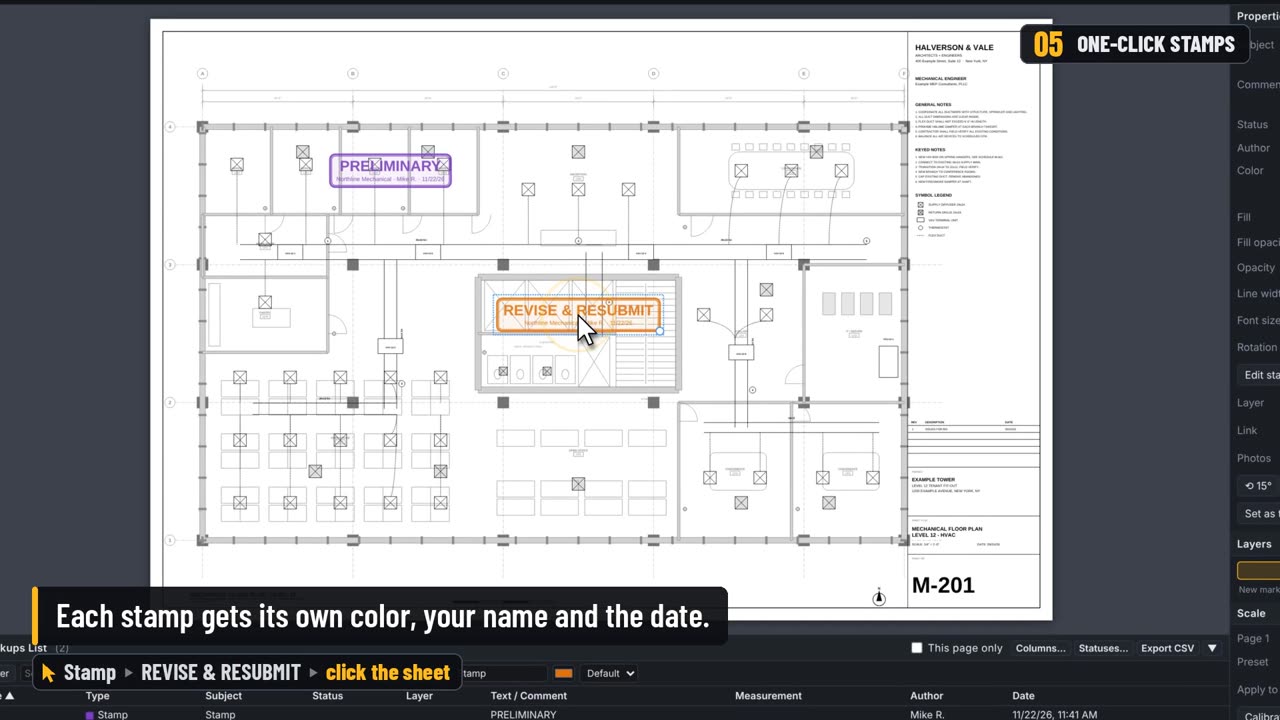
Approved, Approved as Noted, Revise & Resubmit, Rejected, Preliminary — color coded, with your name and date. Size them as big as you want.
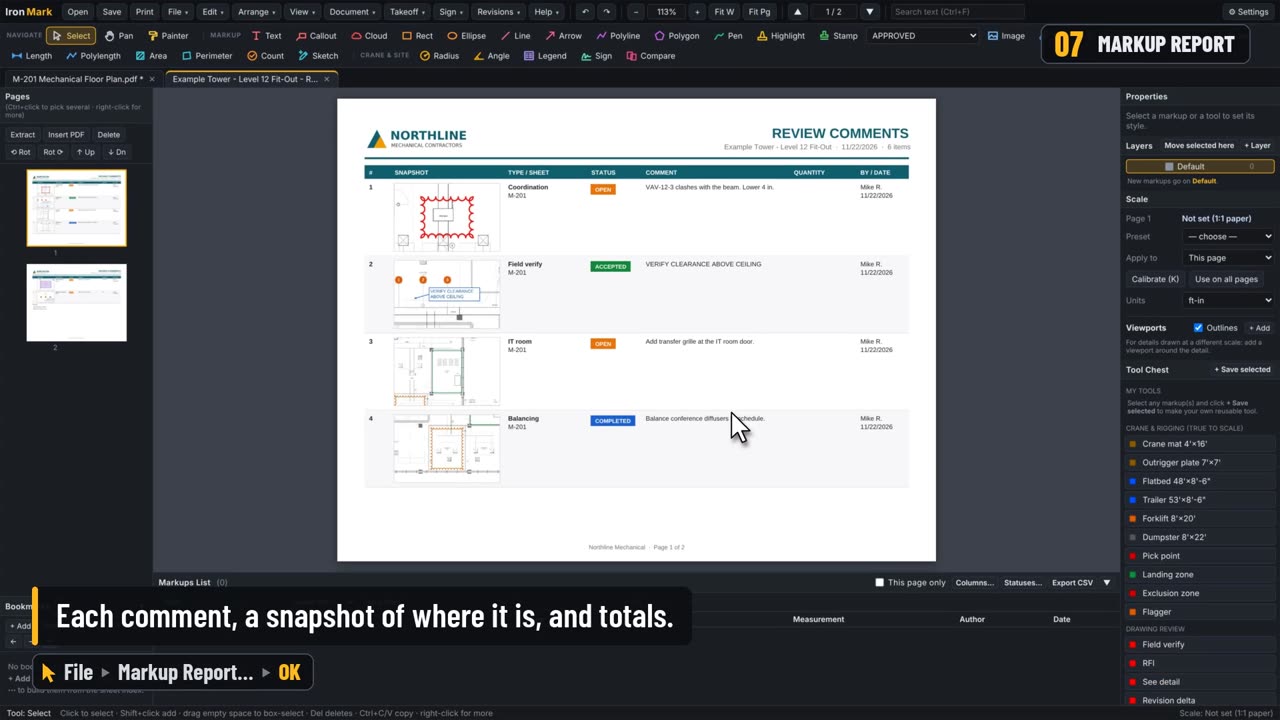
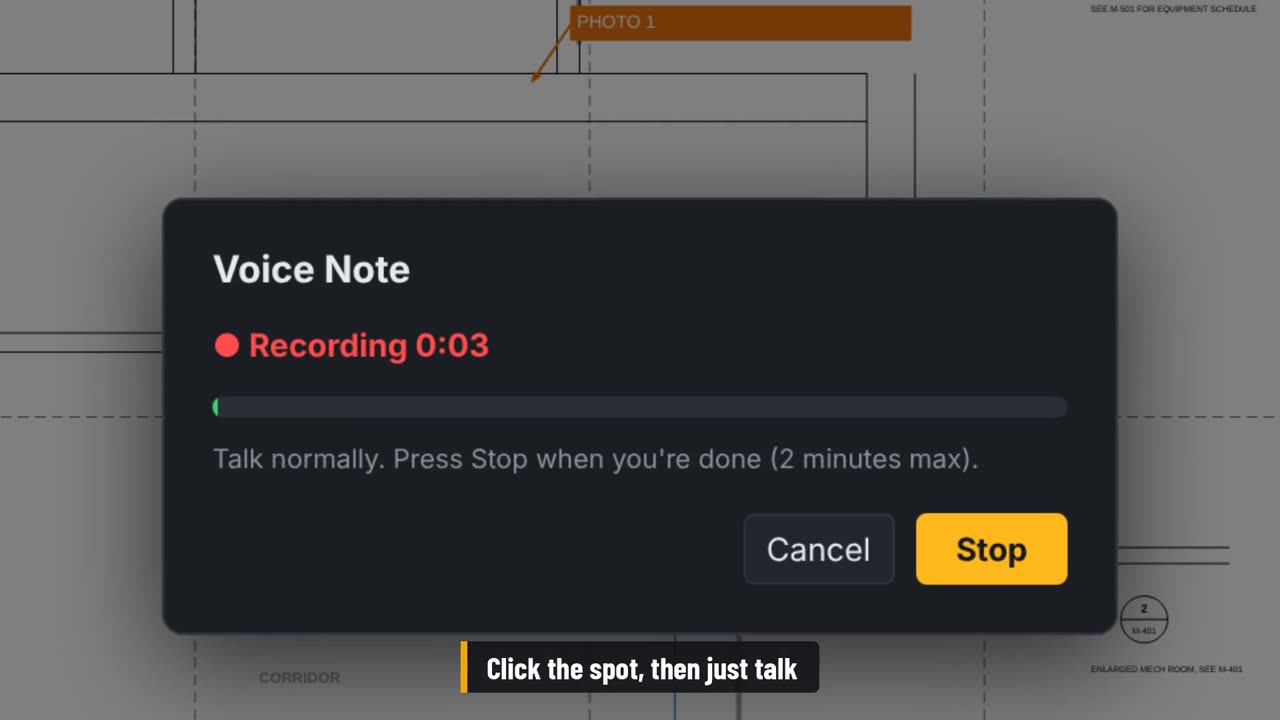
Every comment with a snapshot of where it is on the drawing, ready to send to the GC.
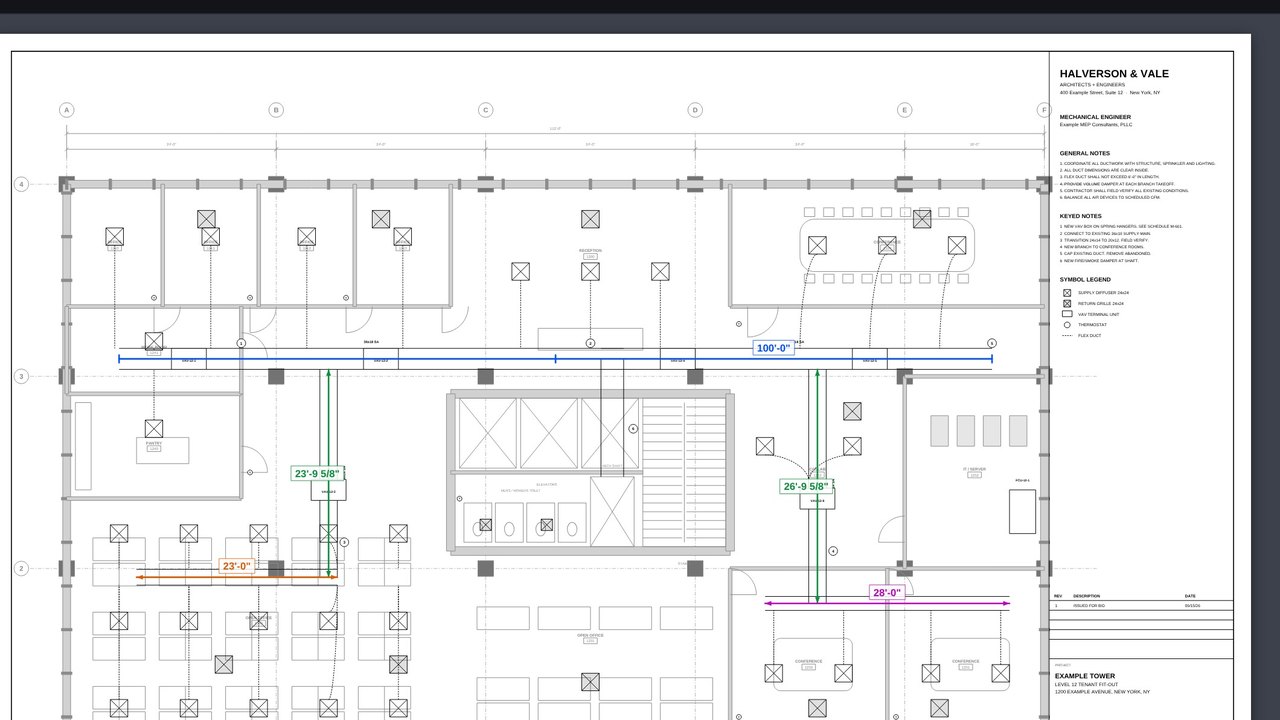
Save each duct or pipe size as a takeoff item, click along the runs, and export linear feet by size, with waste, to Excel.
Ten new tools that take the measuring, counting and pricing off your plate. Each one has a short how-to video on our YouTube channel.

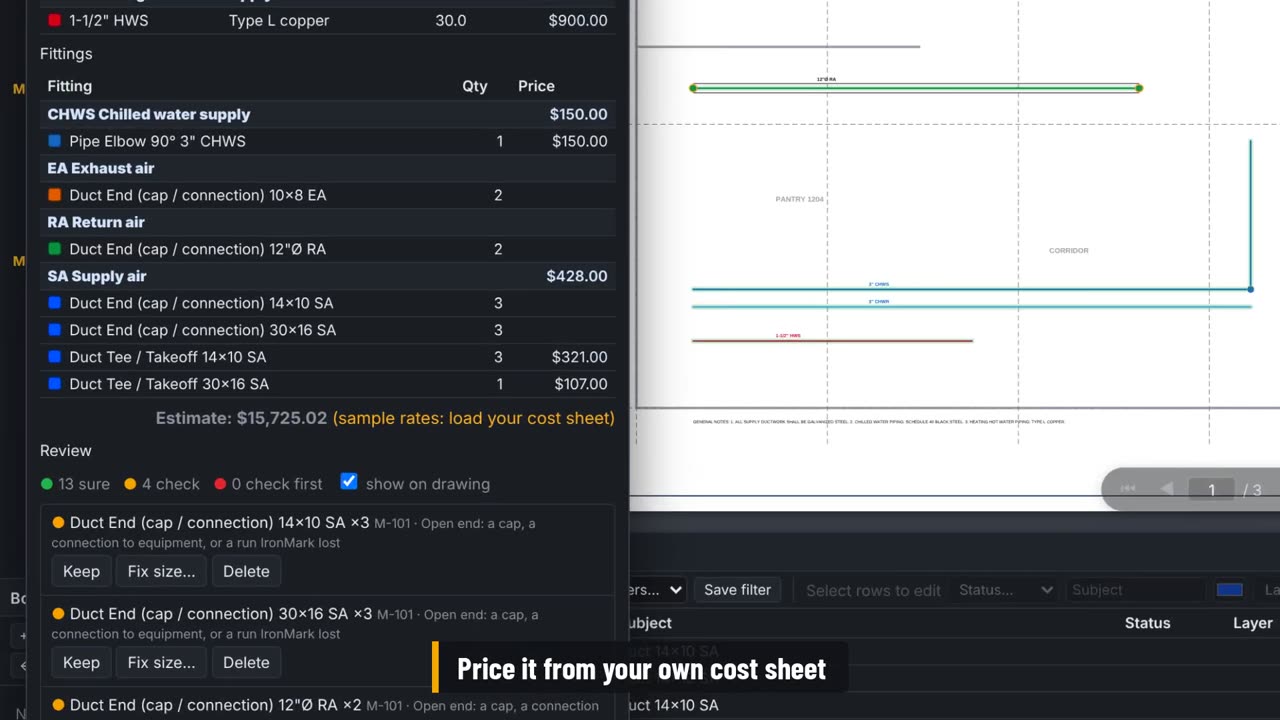
Click Run and RivetMark traces the duct and pipe on a scaled plan, counts the fittings and lists it all by size and system. You review the few it isn’t sure about.

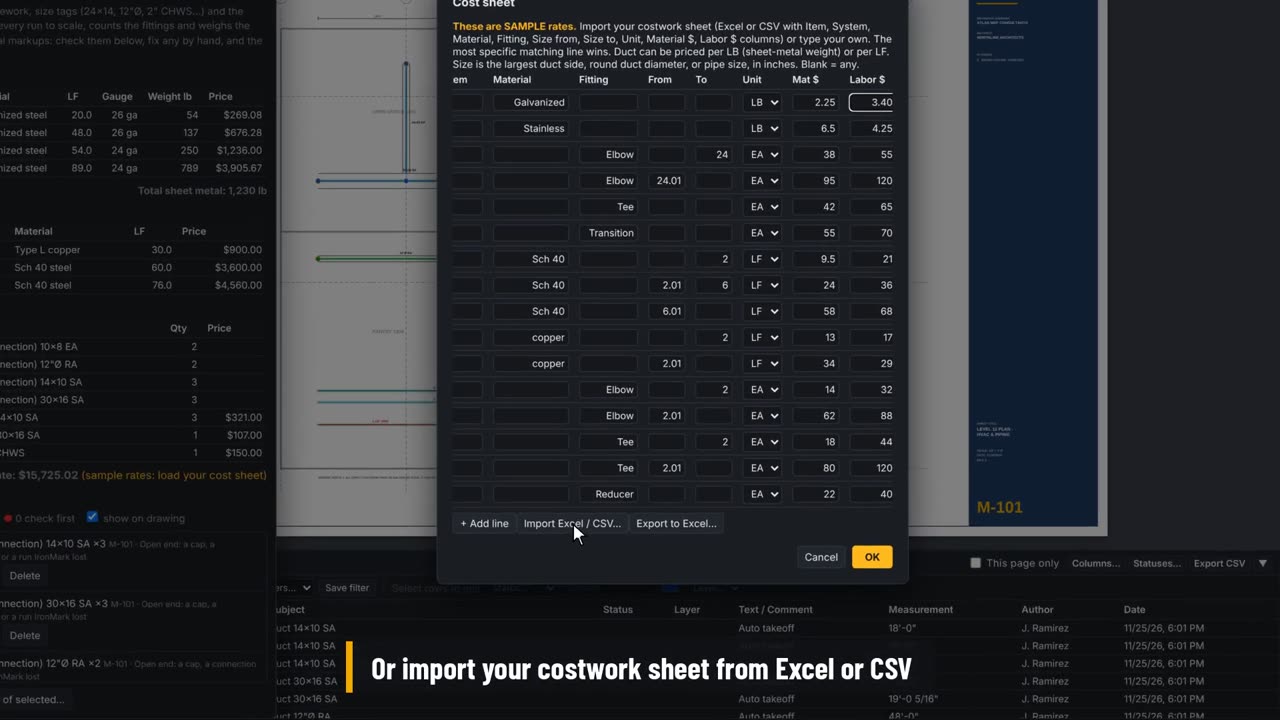
Load your own material and labor rates from Excel or CSV and the takeoff prices itself. Export the priced list to Excel.

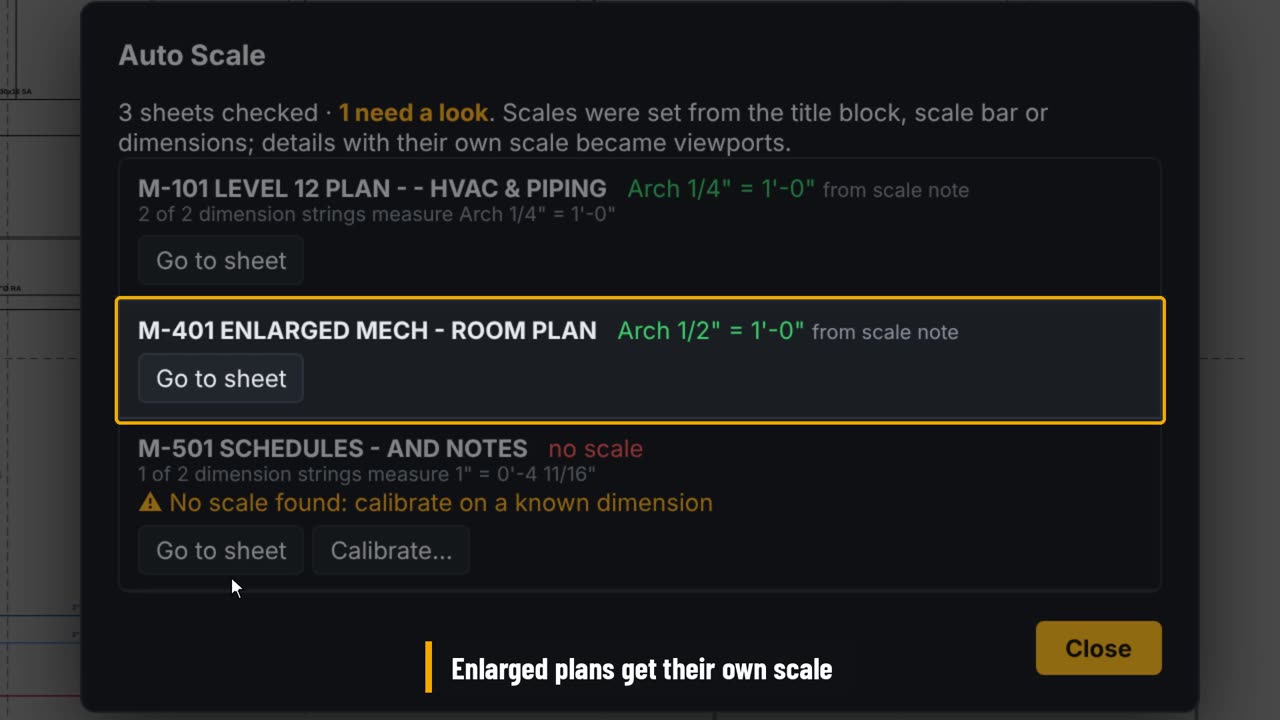
Reads the scale from the title block, scale bars and dimensions, and gives enlarged plans and details their own scale.

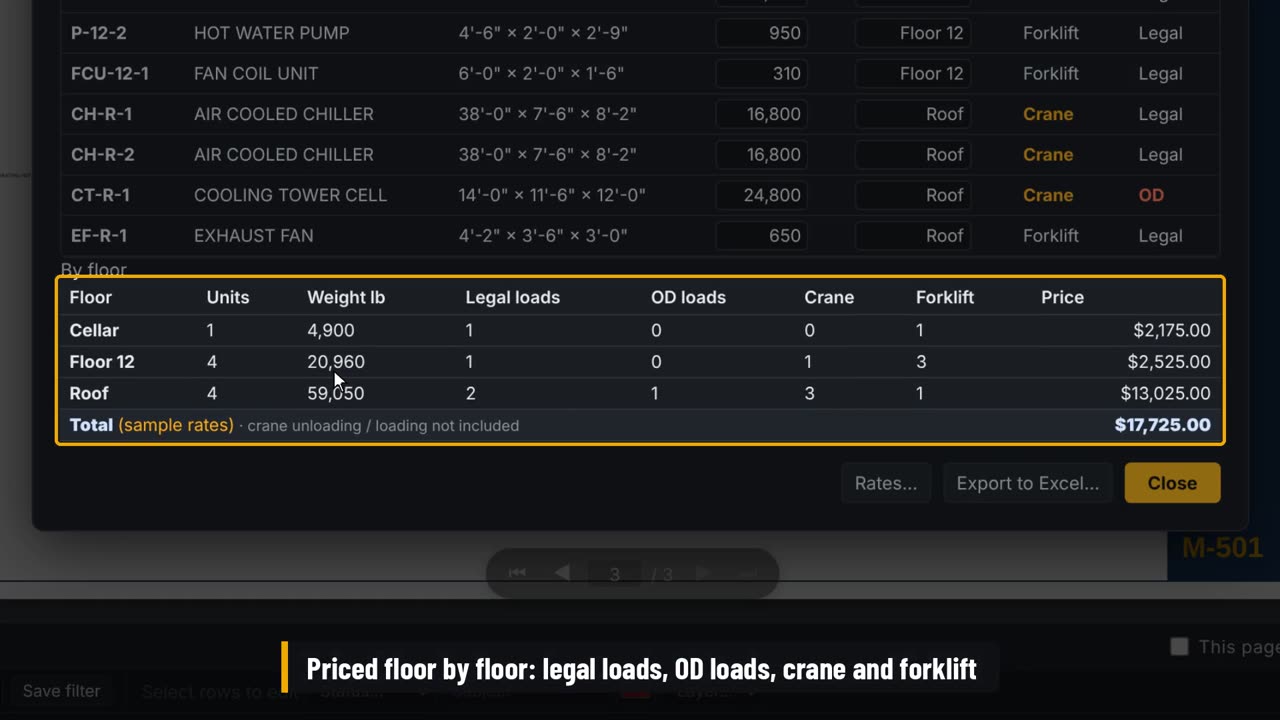
Pulls every unit off the schedule with its size and weight, then breaks it out floor by floor: legal loads, oversize loads and what needs a forklift.

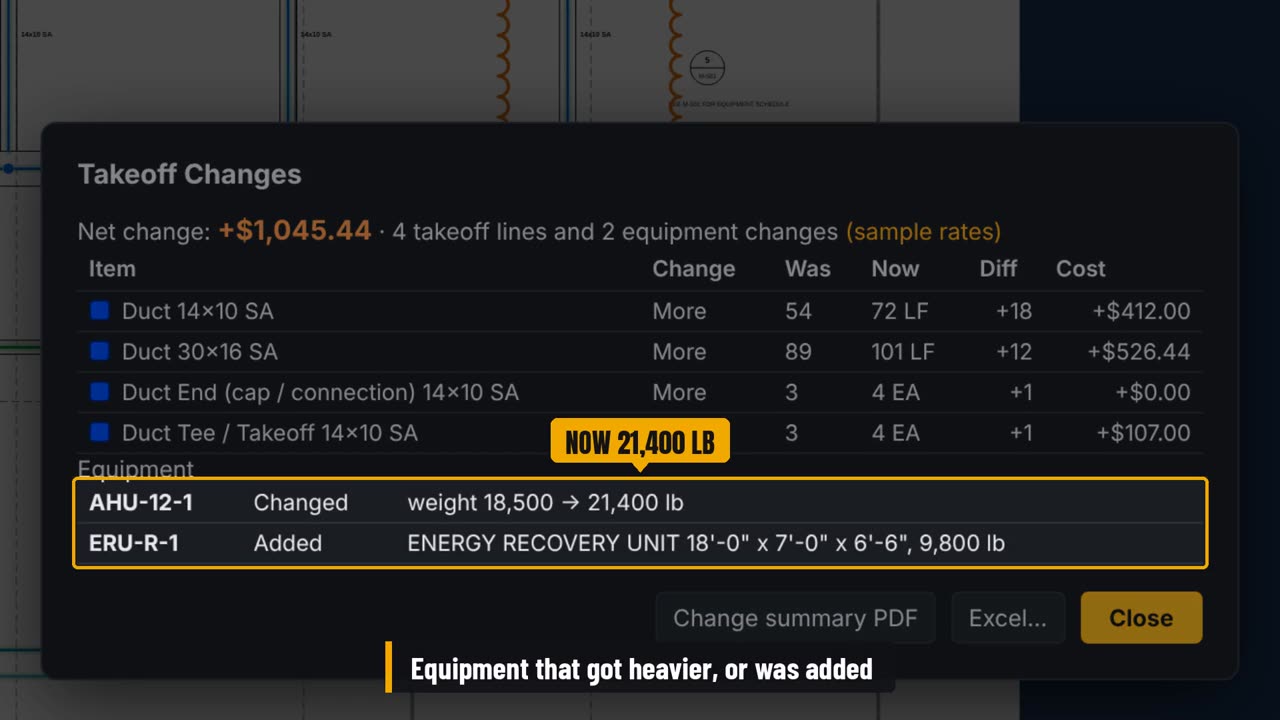
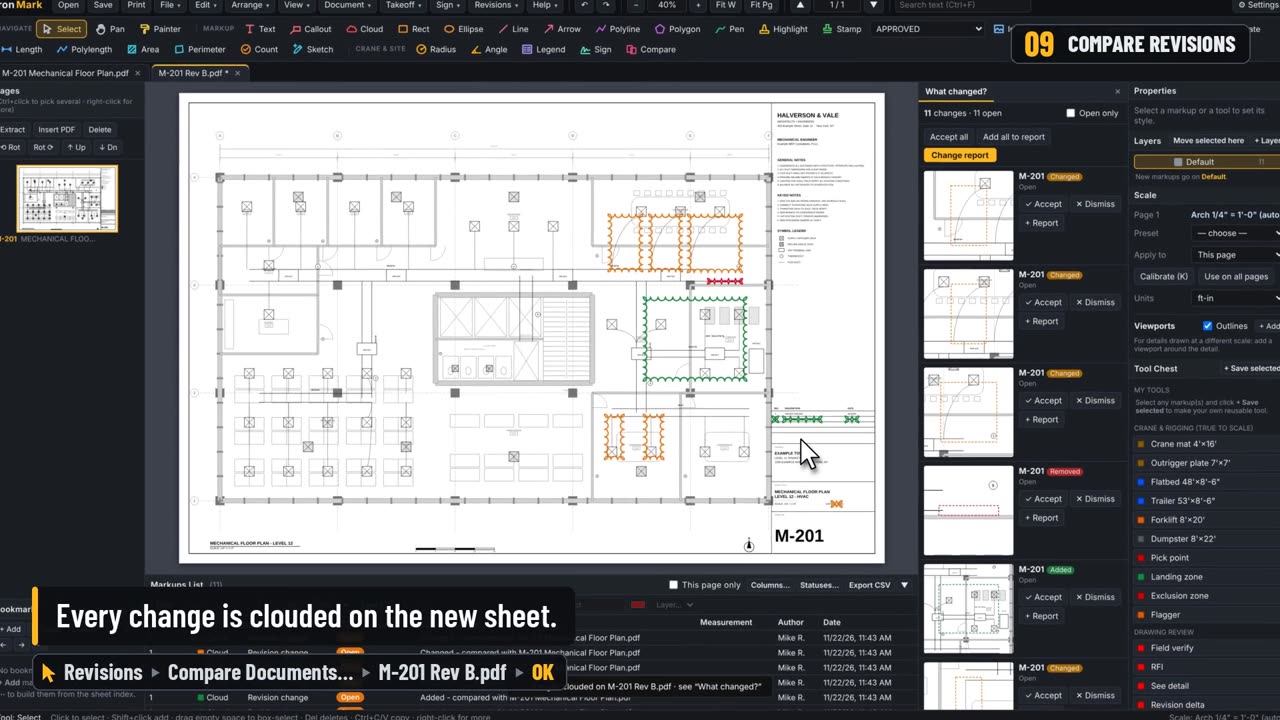
New revision? See exactly which runs, fittings and units changed, and what it does to the price.

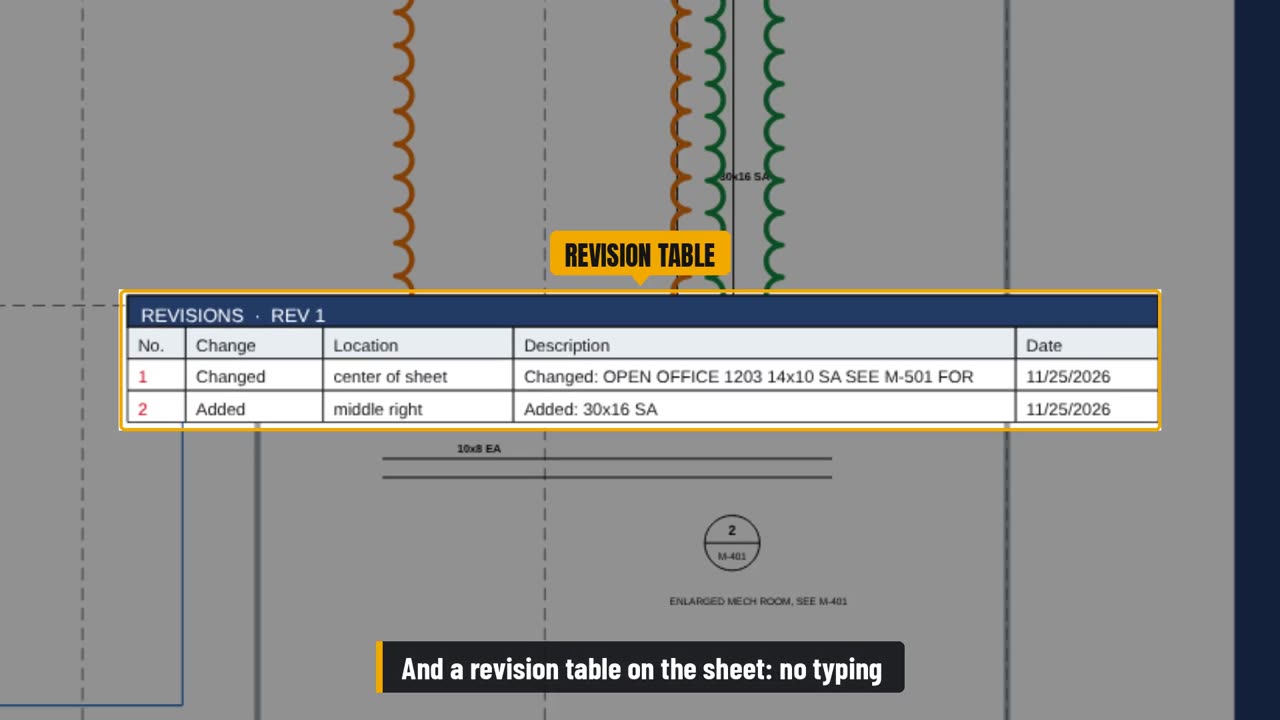
Compare two sheets and every change is clouded, tagged with a delta and listed in a revision table on the sheet.

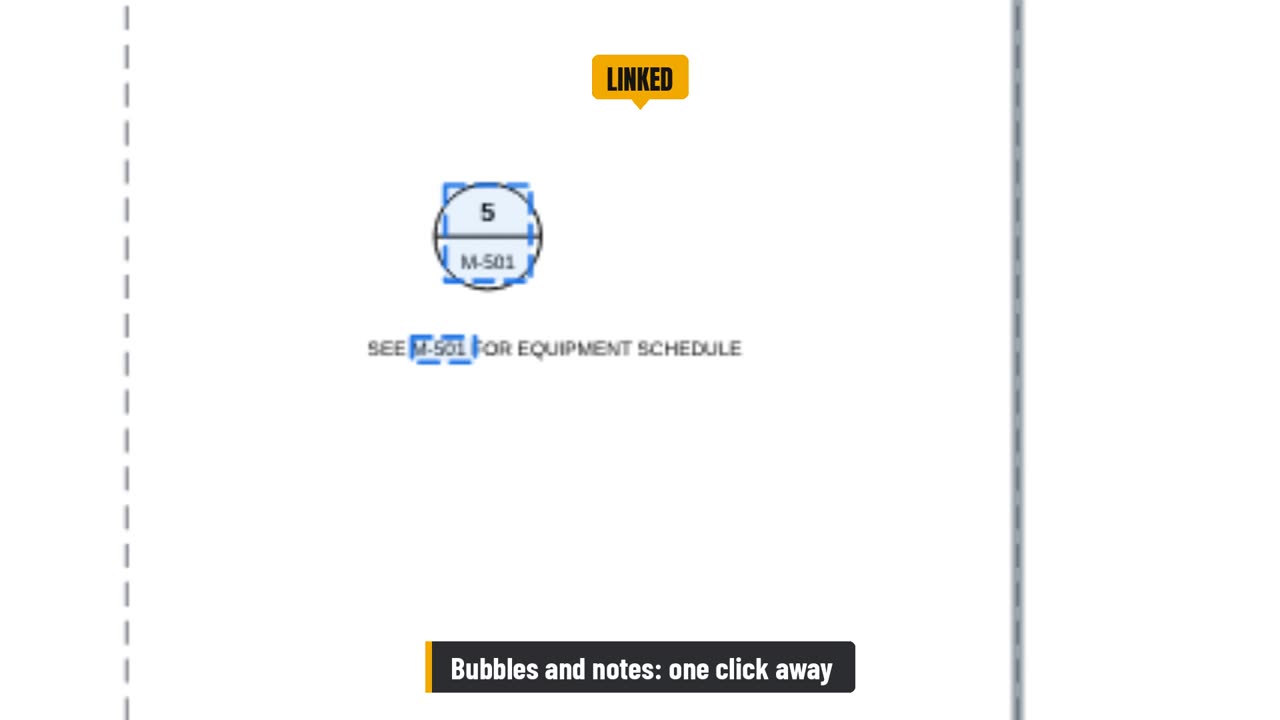
Every detail bubble and “SEE M-301” on the set becomes a link to that sheet in one click.

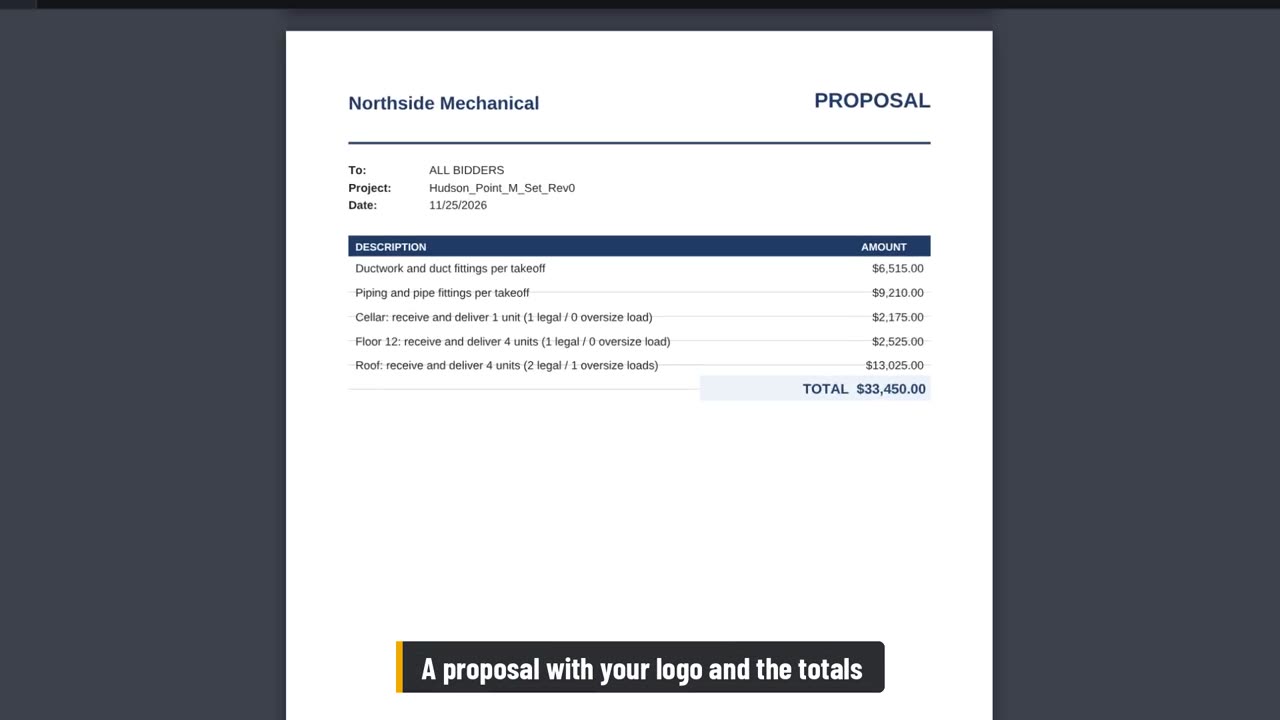
Cover, proposal, takeoff and equipment tables plus the marked-up sheets, combined into one PDF with your logo.
Automatic takeoff works on vector PDFs with a scale set. Check the results before you bid: RivetMark highlights anything it isn’t sure about.
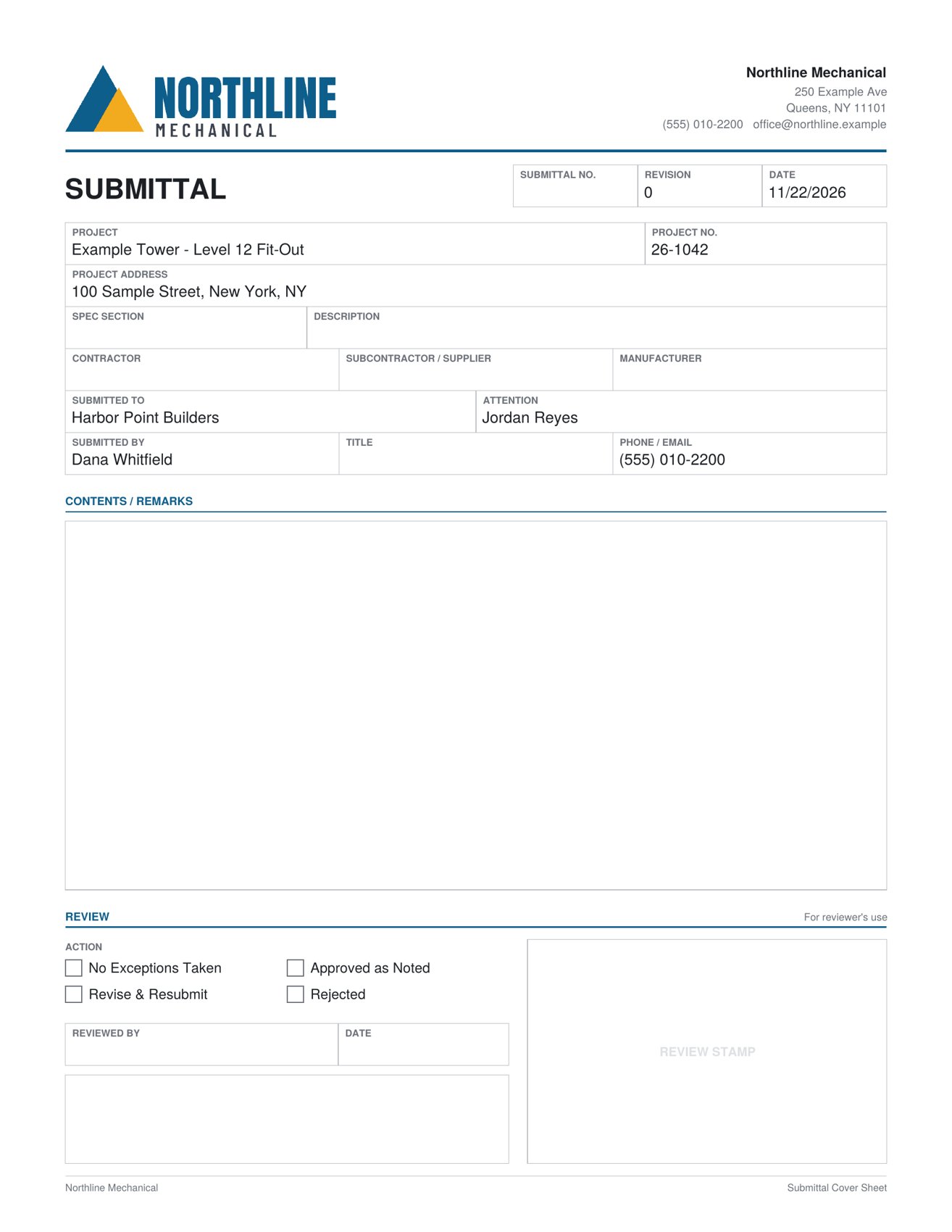
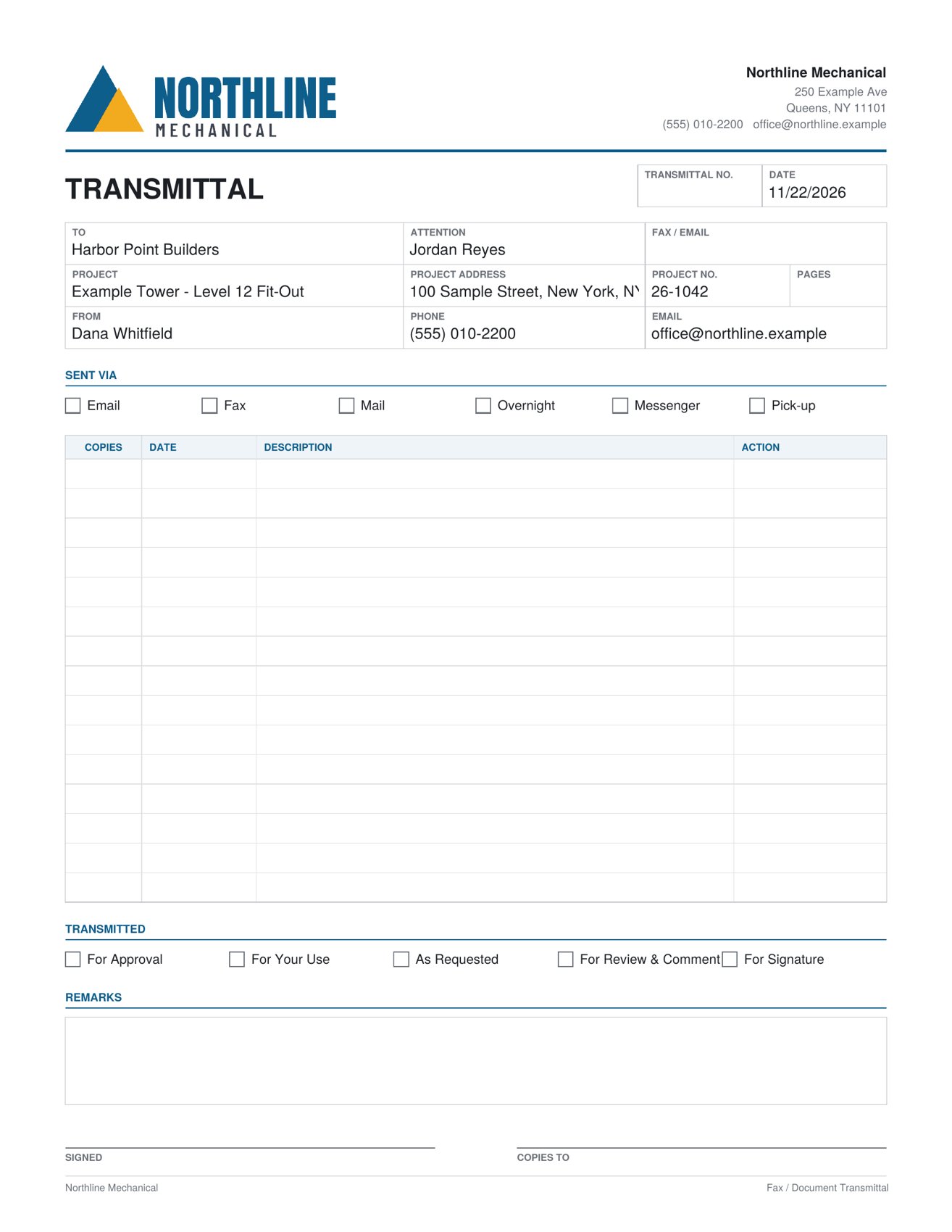
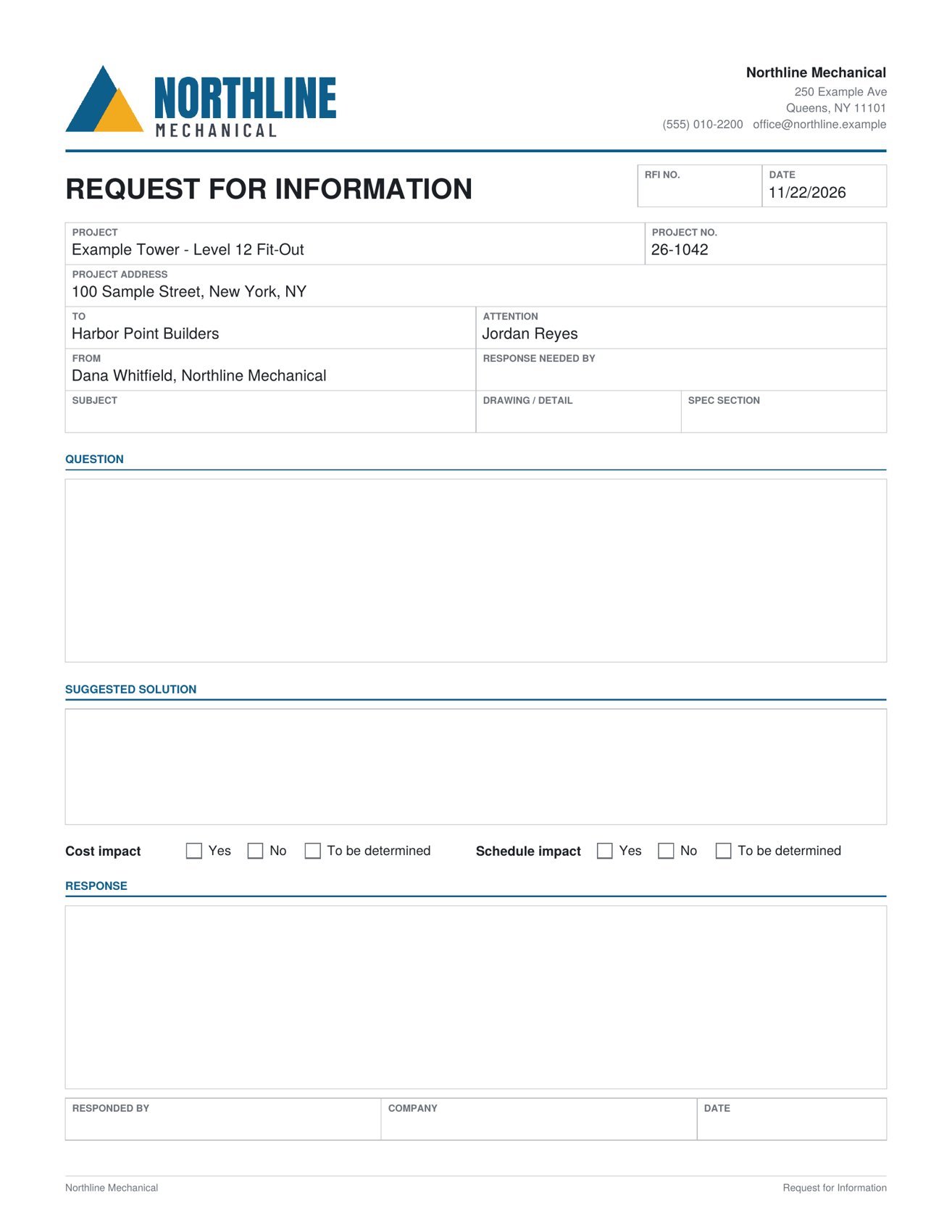
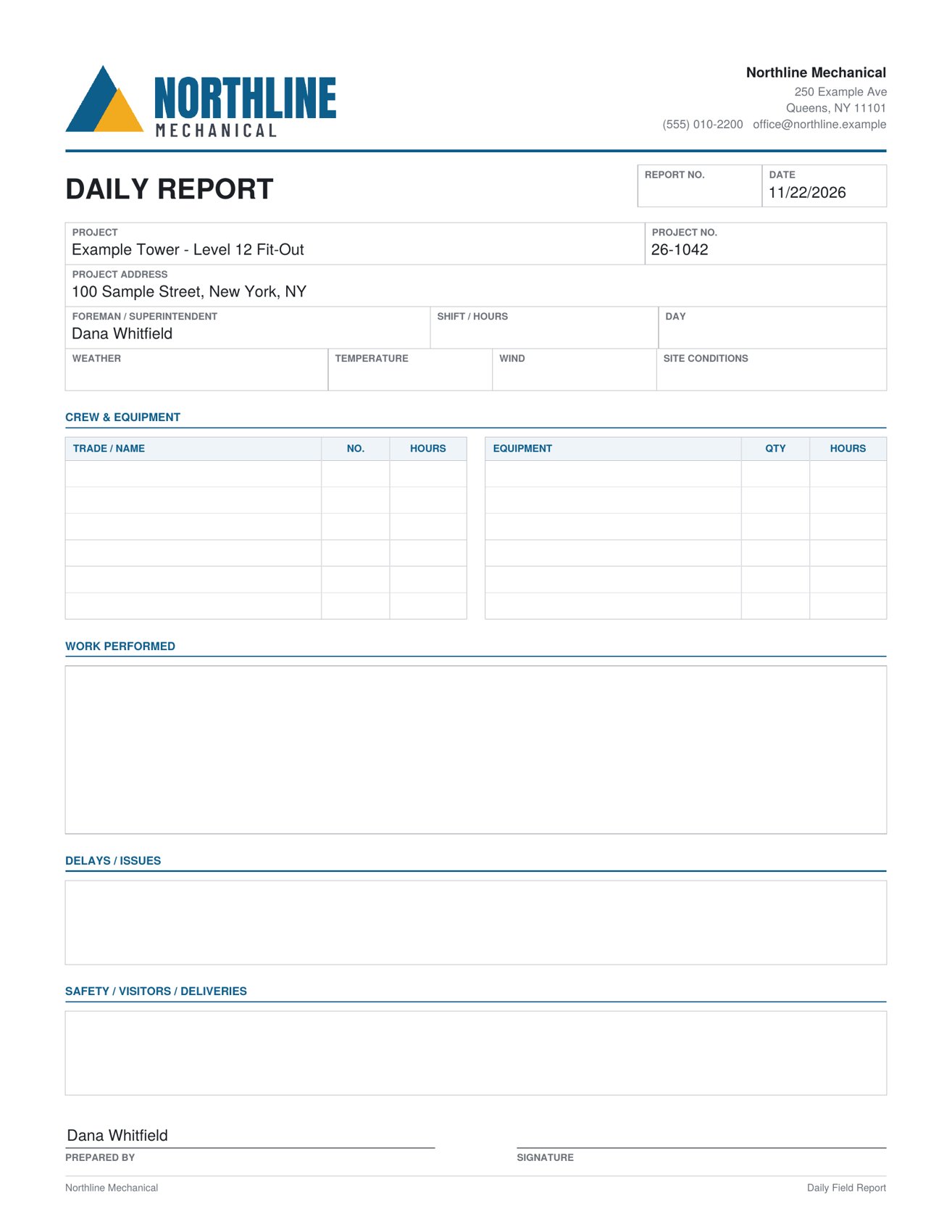
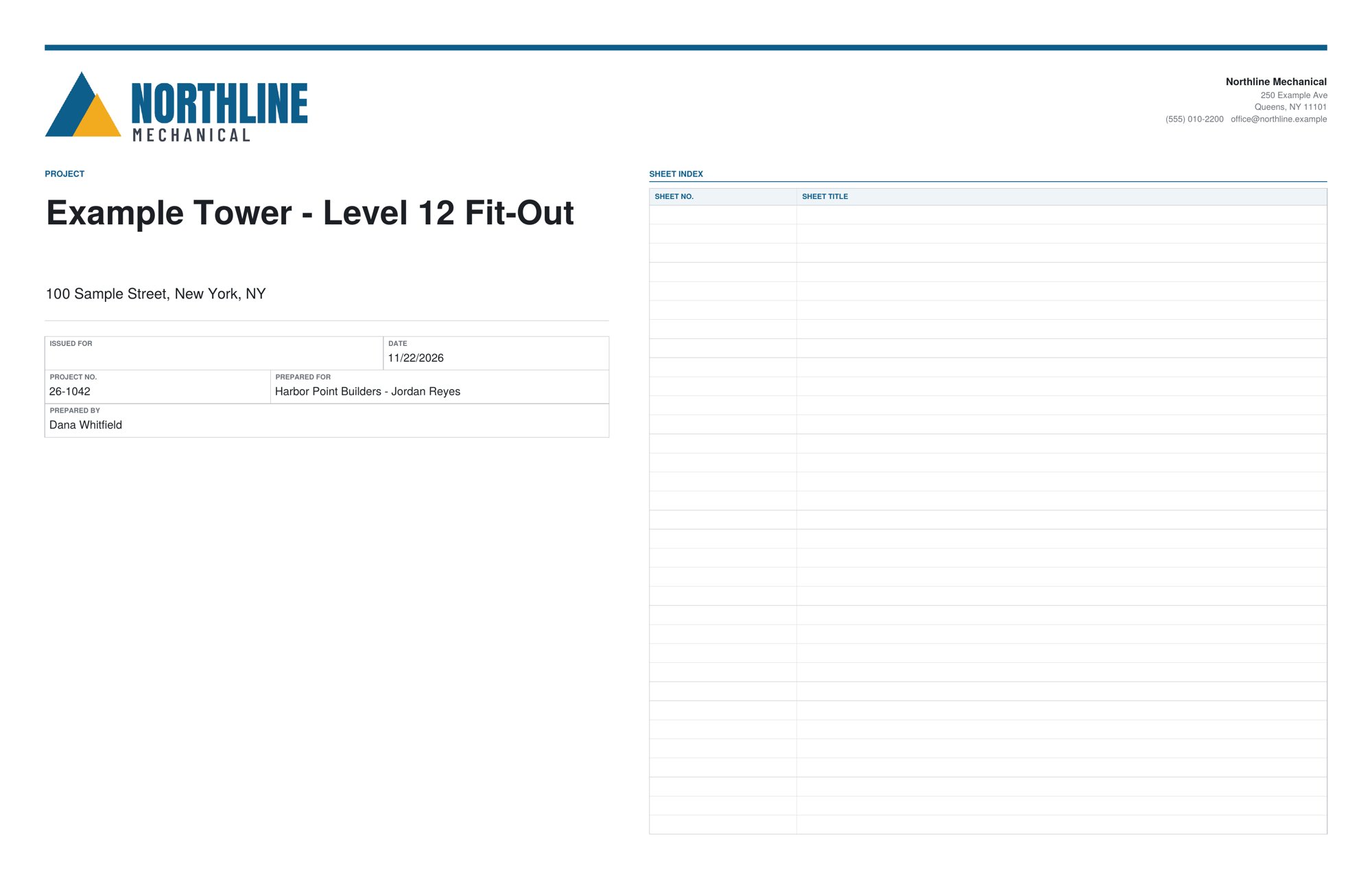
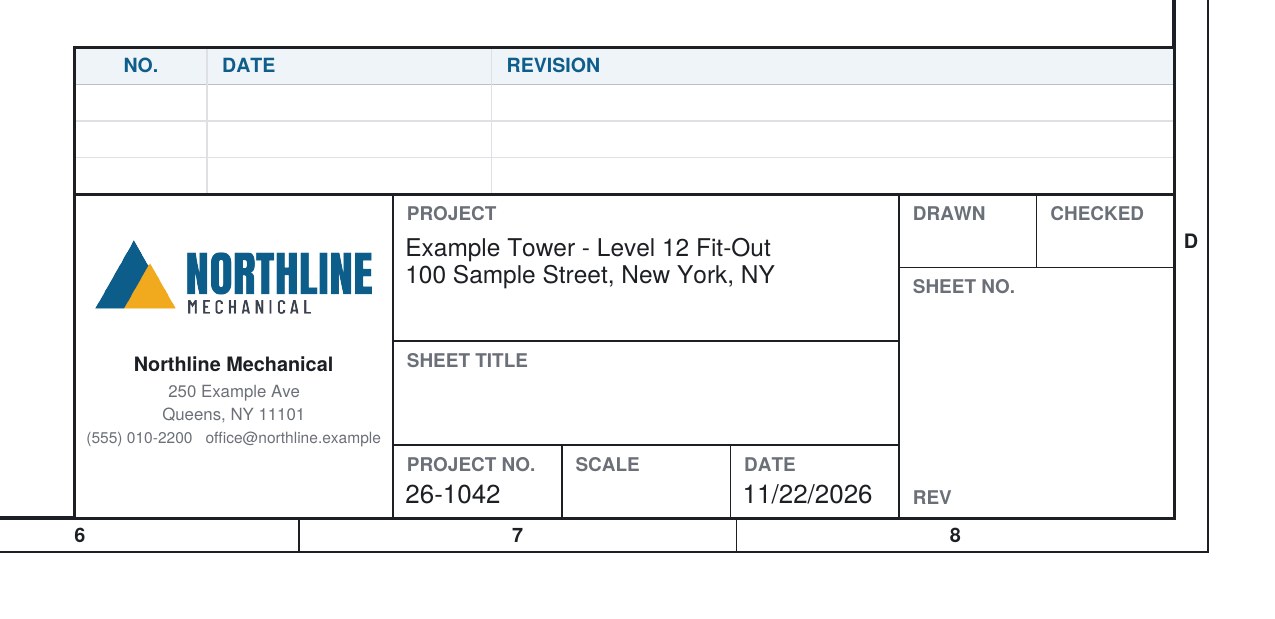
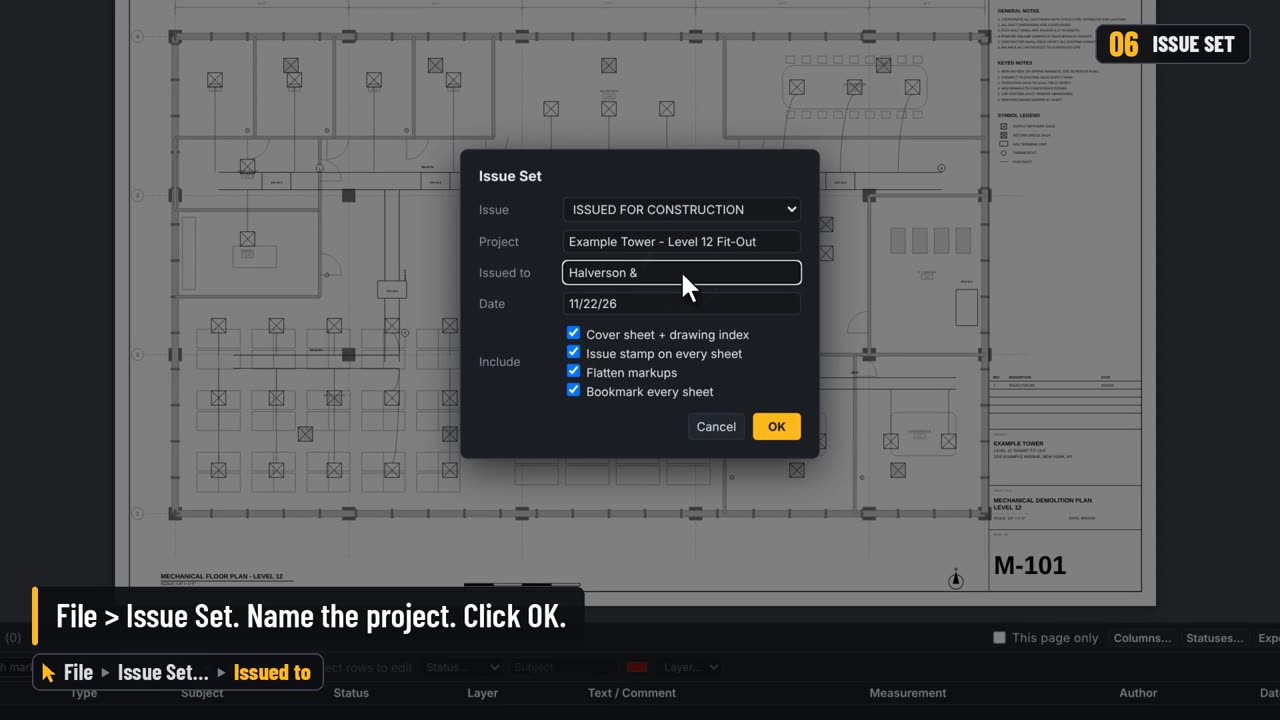
Drop in your logo once. Every submittal cover, RFI, transmittal, daily report and title block sheet comes out branded, from 8.5×11 up to 24×36, with fill-in boxes.


Samples shown for a fictional company. Your logo, address and phone fill in automatically.
A Windows 10 or Windows 11 PC. The installer is about 90 MB.
Download and use every feature for 30 days. No card needed. After 30 days RivetMark still opens, views and prints PDFs; buy a license to keep marking up, measuring and saving.
Right after you pay, the key is shown on screen and emailed to you. In RivetMark go to Help > Enter License Key and paste it. If you click Buy inside RivetMark, it unlocks by itself.
Yes. Ask within 30 days of purchase for a full refund. See the refund policy.
No. RivetMark works on files on your PC. It only checks your license and looks for updates.
Yes. RivetMark saves standard PDF markups, so other PDF readers see them. Opened again in RivetMark, they stay fully editable.
They're as accurate as the drawing's scale and your calibration. Always check critical dimensions against the drawings before you build or order.
Each license is for one computer. Need it on more than one? Buy a license for each, or contact us for 5-seat and company packs.
30 days free. Every feature. No card.